


Siaviala N2 16 inch FHD 1200P Portable Monitor 360° Rotation DIY Detachable Screen
Effortless Setup. Stunning Clarity. Ultimate Flexibility.
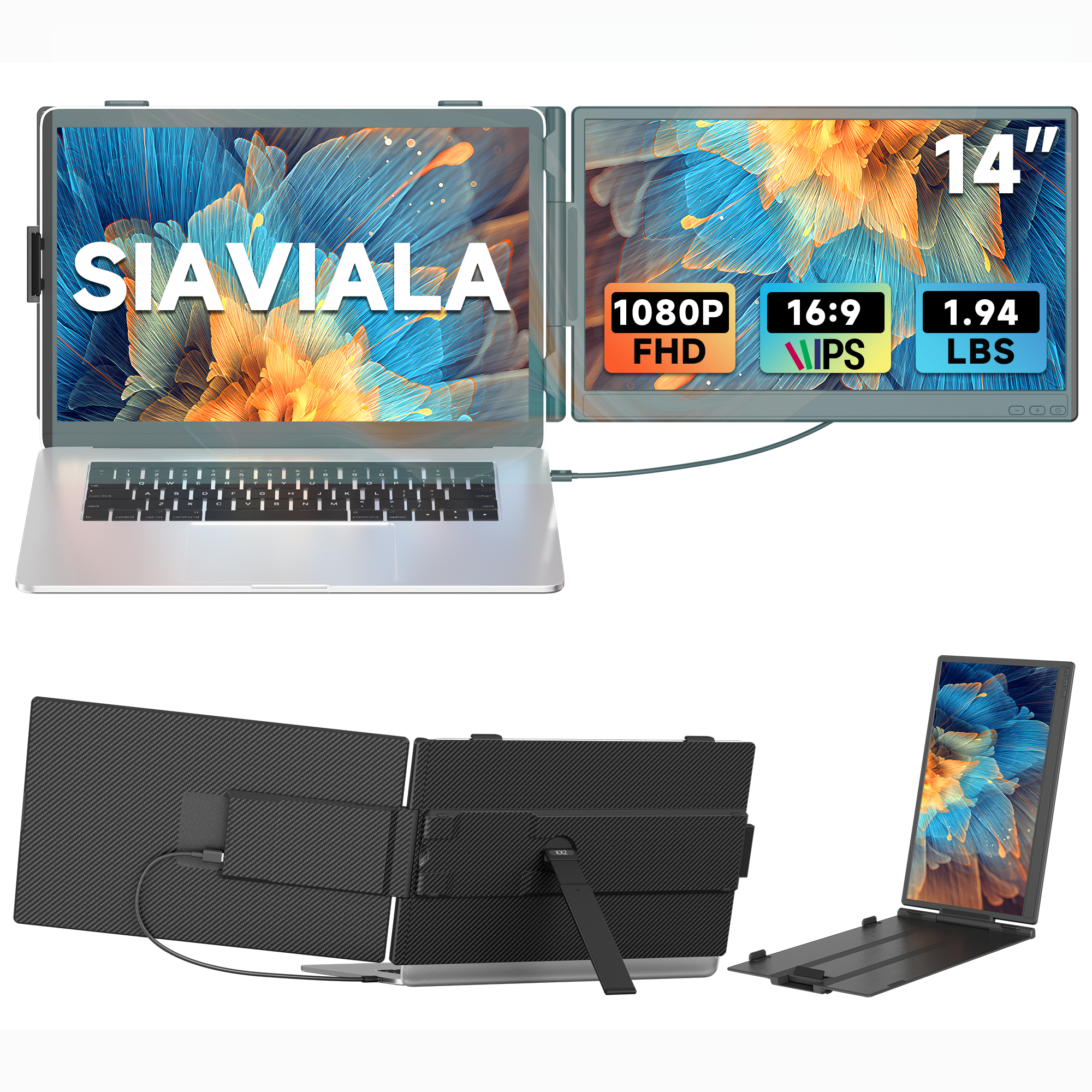
Meet Siaviala N2, your smart portable monitor for boosted productivity and plug-and-play simplicity! Sleek, smart, and alleviate neck strain caused by a monitor that’s too low.
Key Features:
Plug & Play: Ready in seconds, no extra dock or drivers
16" 1200P IPS Display: Ultra narrow bezels, vibrant FHD clarity
Adjustable & Rotatable: Smooth 360° rotation, portrait or landscape
Ultra-Slim & Lightweight: Just 1.68 lbs, perfect for on-the-go use
Magnetic Stand: Attach in a snap, adjust height and angle freely
Multi-Device Compatible: Works with laptops, phones, and consoles


Jump to your preferred Amazon store ×
| Screen Size | 16 inch |
|---|---|
| Resolution | 1920*1200 |
| Aspect Ratio | 16:10 |
| Refresh Rate | 60Hz |
| Mountable on Laptop | DIY Detachable Display |
| Response Time | 25ms |
| Brightness | 300 nits |
| Contrast Ratio | 1000:1 |
| Viewing Angle | 360° |
| Color Gamut | NTSC 45% |
| Connections / Ports | TYPE-C*2+MINI HDMI |
| Audio | 1 Speaker |
| Power Supply | No |
| Product Dimensions (cm) | 36.8x23.7x2.95 |
| Net Weight (kg) | 1.27 |
| Packaging Dimensions (cm) | 39.8x5.75x27.5 |
| Gross Weight (kg) | 2.17 |
If you’re not completely satisfied with your purchase from siaviala.com, you can return it for a replacement, exchange, or refund at any time within 30 days of purchase. Read our return policy here.
Get lifetime access to dedicated customer care — including personalized support from Siaviala at sales@siaviala.com
Download your N2 manual anytime for quick reference.
Download N2 User Manual [PDF]
Download N2 Beginner's Guide[PDF]


Single Screen

Height Adjustable

360 Angle Rotation


How To Connect Your Device
USB-C Connection:
If your laptop has 1 full-featured Type-C port( supports signal display and power supply), you can one USB-C to USB-C cable to connect.
HDMI + USB-A Connection:
If your laptop only has an HDMI port, you can use one HDMI to USB-C cable (signal display) and one USB-A to USB-C cable(power supply) to connect.
Note: When connecting the HDMI to USB-C cable, make sure you have connected the HDMI to USB-C cable insert in the Type-C port with "HDMI" marked on the back of the screen extender

Frequently Asked Questions
| Compatibility | Compatible with Intel, AMD, ARM, Android, Windows, Mac,M1,M2, M3, Chrome, Linux, Type-C phones, PS4, Xbox, Switch, M1 Pro/Max, M2 Pro/Max, |
| Displays "No Signal" | If it is USB-C to USB-C connection, make sure the type-c port on your laptop is a full-featured and is plugged into the right port (TYPE-C1 & TYPE-C2 marked) on the the Siaviala laptop screen extender. If it is HDMI + USB-A connection, make sure the HDMI-to Mini HDMI cable is plugged into the the right port (HDMI marked) on the Siaviala laptop screen extender. |
| Not light up after connecting | Please charge the screen extender with an additional 5V/2A power supply. |
| Screen Flickers & Black Screen | It means your laptop is low battery or voltage is insufficient, use an extra USB-A to USB-C cable to power your laptop or the monitor extender. |
Product Comparison
Compare products side by side


Swipe or use arrows to scroll horizontally